BUILDING AND DEPLOYING AI SOLUTIONS WITH VIZARD.AI: A SOLO PRACTITIONER'S GUIDE
The Business Case Here’s the arithmetic no one argues with. If you ship four 60–90 minute recordings per month and manually clip them, you’re burning ~20–...
Stop Bleeding Hours on Video: My audits show teams spend 4–8 hours per long video just to cut social clips
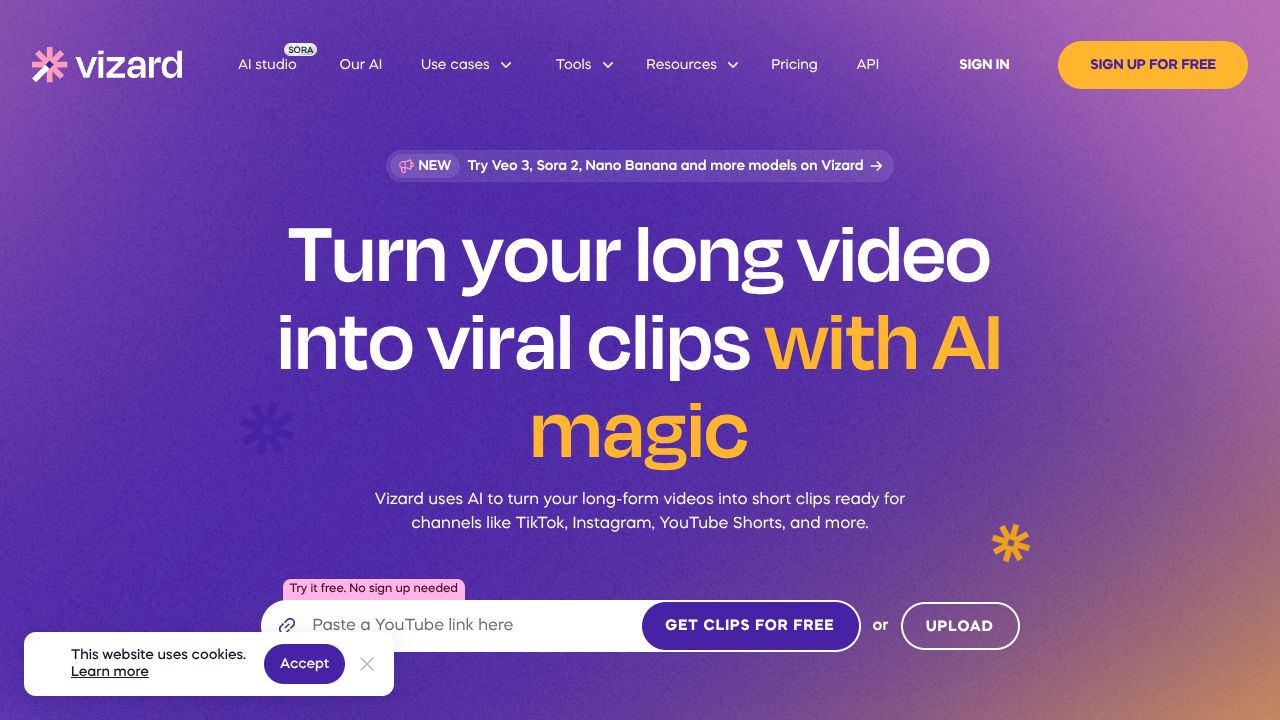
Vizard.ai is an AI-powered repurposing engine that turns webinars, podcasts, and interviews into branded short clips—fast. For AI leaders, this is about compressing content cycle time and protecting margins while your team maintains a consistent brand presence across channels. Bottom line: if your org produces recurring long-form video, Vizard.ai is a force multiplier that converts sunk production cost into repeatable, trackable distribution assets.
The Business Case
Here’s the arithmetic no one argues with. If you ship four 60–90 minute recordings per month and manually clip them, you’re burning ~20–32 hours of editor time. At a fully loaded $70–$120/hour, that’s $1,400–$3,840 monthly before you even count coordination, brand reviews, and subtitle QA. Vizard.ai’s end-to-end pipeline—highlight detection, auto-reframe for vertical, subtitles in 100+ languages, brand kits, and multi-account publishing—cuts that to minutes per clip and centralizes approvals. I’ve seen teams move from 8 clips/month to 40+ without hiring.
Strategically, this does three things: accelerates time-to-market on thought leadership, widens top-of-funnel reach via multi-format distribution, and enforces brand consistency at scale. In crowded AI markets where short-form dominates discovery, the competitive edge goes to the org that ships most frequently with least waste. With a Free tier to validate fit, Pro at $29/mo, and enterprise options for governance and collaboration, the ROI math tilts in your favor fast—especially versus traditional edit shops or a Premiere-based internal bottleneck.
Key Strategic Benefits
- ▸
Operational Efficiency: Centralizing clipping, reframing, subtitling, and branding in one tool eliminates tool-hopping and back-and-forth briefs. Shared workspaces and templates let your comms lead set the standard once, then let product or research teams self-serve without breaking brand.
- ▸
Cost Impact: Expect 60–90% reduction in per-clip production cost by collapsing specialist hours into automated steps. More importantly, you convert each long-form asset into 10–20 derivative clips, compounding your CAC efficiency by flooding owned channels with high-signal moments.
- ▸
Scalability: Brand kits and templates make it trivial to expand across regions and product lines; 100+ language translations unlock localized feeds without new headcount. Multi-account publishing supports corporate, executive, and product handles simultaneously—one pipeline, many endpoints.
- ▸
Risk Factors: AI highlight detection isn’t omniscient; executive oversight for sensitive content is non-negotiable. Validate subtitle accuracy for regulated claims, confirm rights for third-party footage, and review data handling (SSO, DPA, retention policies) before rolling out to the whole org.
Implementation Considerations
Treat this like a workflow upgrade, not a shiny tool drop. Week 1: pilot with one content stream (e.g., product webinars). Import 3–5 recordings, define your brand kit (fonts, colors, lower-thirds), and train editors/marketers on the highlight review loop. Week 2: add executive comms and podcast content; standardize clip naming, metadata, and approval SLAs. Week 3–4: integrate multi-account publishing; wire KPIs (views, watch time, CTR) back to your analytics stack. Resource-wise, you’ll need one content lead, one brand owner, and creators who can validate highlights the first few cycles.
On integrations, confirm SSO for user management, export options for your storage (Drive, Dropbox, S3), and a trackable UTM workflow for links in captions. Build a lightweight governance doc: what can auto-publish, what requires legal review, and which teams can edit templates. My hot take: the change management lift is mostly cultural—teach teams that “ship more, learn faster” beats “perfect once, ship never.”
Competitive Landscape
You can cobble a stack with Descript for edits (https://www.descript.com), Kapwing for quick clips (https://www.kapwing.com), and VEED for subtitles (https://www.veed.io), or go pro with Adobe Premiere Pro plus Frame.io (https://www.adobe.com/products/premiere.html; https://www.frame.io). That works—but you’ll pay the “coordination tax” in handoffs and QA. Pure clip generators like Opus Clip (https://www.opus.pro) excel at snackable moments but typically lack end-to-end brand and team governance.
If you want third-party sentiment, scan G2’s video editing category for operational patterns and reviews (https://www.g2.com/categories/video-editing) and Descript’s reviews for workflow comparisons (https://www.g2.com/products/descript/reviews). Vizard.ai’s edge is the cohesive pipeline: highlight detection + reframing + multilingual subtitles + brand kits + multi-account publishing in one workspace. That’s what moves you from a “nice tool” to a scalable content system.
Recommendation
Run a 30-day pilot anchored to a revenue narrative, not vanity metrics. 1) Select 6–8 existing recordings; 2) Stand up brand kits and templates; 3) Produce 40–60 clips; 4) Publish across corporate/executive handles; 5) Measure lift in meetings booked, demo requests, or newsletter subs tied to UTM-tagged clips. If CPA drops or qualified inbound rises, roll Vizard.ai to core teams and negotiate enterprise terms for SSO, SLAs, and security. If not, cut bait—your ops discipline just paid for itself.
Website: https://vizard.ai
From my own Build Logs: the fastest wins come when leadership protects a weekly “clip cadence” and resists bespoke one-offs. More clips, more learning, more revenue stories—repeat.
OBJECTIVE TARGET:
VIZARD.AI